
Features
Managing unpaid tuition fees: track every installment, follow up every delay
Split tuition into dated installments, see what is late the moment you open the screen, and let reminders go out before and after each due date.
Mixte Pro package free for 30 days · no credit card · no commitment
01
A payment schedule for every enrollment
When a student enrolls, you split the course price into 1 to 12 installments. The first due date is the enrollment date, then one installment a month, and the registration fee is added to the first one. A manual discount or the session's promotion comes off before the split.
For example, tuition of 10,000 in 3 installments gives 3,333, 3,333 and 3,334. The remainder of the division goes on the last installment.
02
Late payments are easy to spot
- In a student's payment schedule, a late installment is highlighted in red, and a settled one fades out.
- Their Finances page shows the total collected, the balance still due and the number of late installments, with the full payment history.
- The dashboard shows how many installments are late and the amount to recover.
- The work queue, opened from the bell icon, lists every late installment with the student's name and a link to their financial record. The line disappears as soon as the installment is paid.
03
Reminders that go out on their own
For every installment that is not fully paid, Palatryx sends a reminder 3 days before the due date, then follow-ups 1, 7, 15 and 30 days after it: four follow-ups at most, each sent once. The reminder before the due date can be switched off in the center's settings.
Messages go out by e-mail, and by WhatsApp or SMS once the center connects its accounts. Until then, those two channels are not offered. WhatsApp and SMS go to the parent's phone on the student record, or to the student's own phone if there is none.
04
What happens to partial payments
When a student pays only part of an installment, it becomes 'partial', keeps its balance and stays late until it is settled, so it keeps being followed up for the remainder. The amount entered cannot exceed what is still due on the chosen installment. With no installment chosen, a tuition payment is applied to the first open installment that can absorb it.
The balance is always recalculated from the payments and never typed in by hand. If a payment is refunded, the installment becomes due again for the amount returned.
05FAQ
Frequently asked questions
Another question? An expert calls you back whenever suits you.
How do I follow up with parents who have not paid tuition?
Automate the reminders instead of phoning one by one: Palatryx sends one before the due date and four after it. For cases that need a call, the work queue lists late installments, with a direct link to the student's financial record so you can record the payment.
How do I keep track of unpaid fees at a training center?
Three screens, one source: each student's Finances page, the dashboard (late installments and amount to recover) and the work queue. All of them start from the same payments, so the figures match.
Are reminders sent by WhatsApp and SMS?
By e-mail, yes. For WhatsApp and SMS, your center connects its own accounts, and messages then go out in its name. Until a channel is connected, it is not offered.
06
See also
-
Payment management
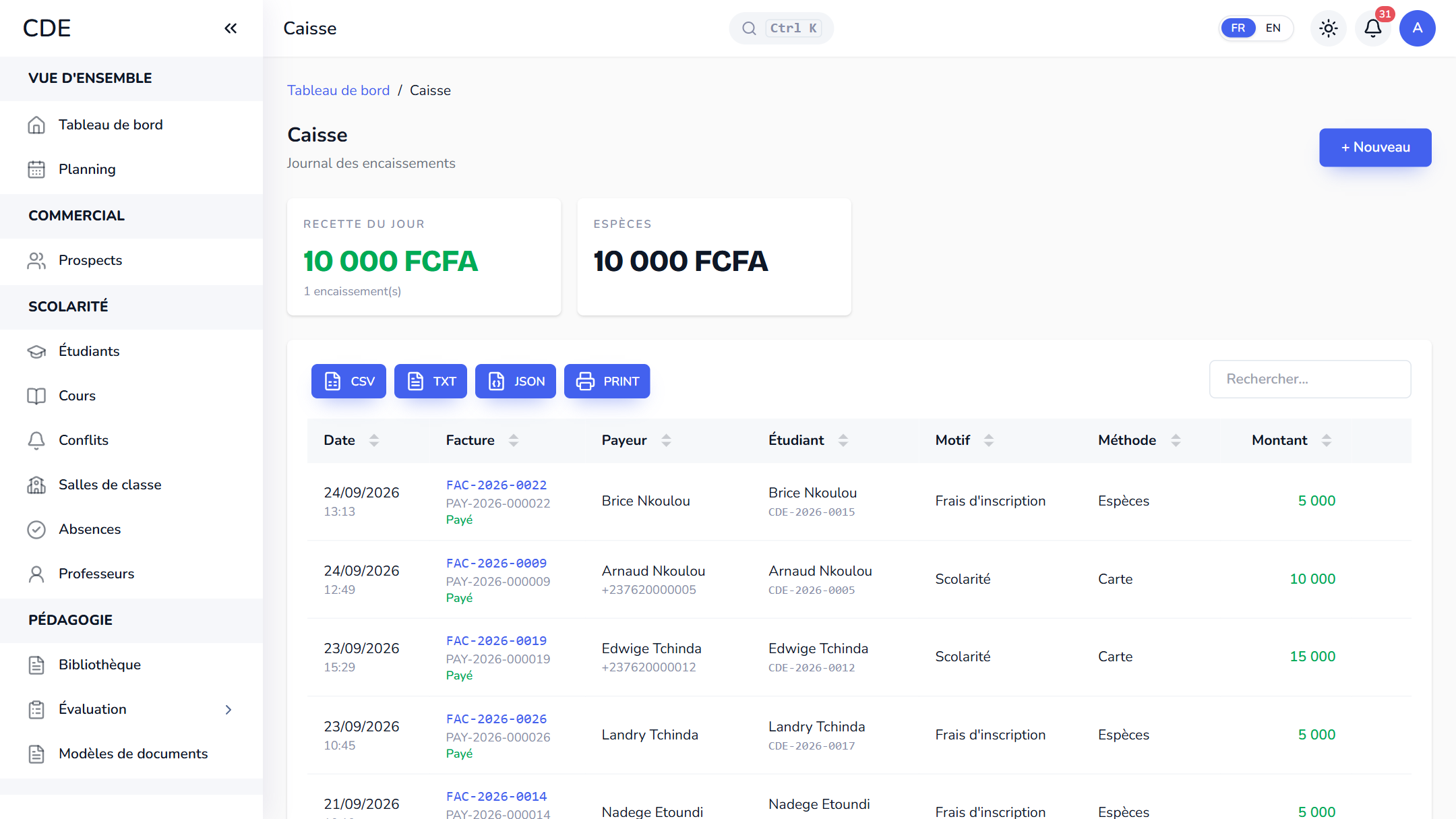
A monthly cash journal, numbered receipts, installment plans, Mobile Money entries, traced refunds and a net result for your training center's payments.
-
Student management
A complete record for every student: automatic registration number, finances, levels, documents, a student portal and Excel import. Free trial.
-
Enrollment management
From inquiry to enrolled student in one click: lead pipeline, web form for your website, quotes accepted online, session enrollment. Free trial.
-
Training centers in Cameroon
Palatryx manages students, enrollment, attendance, an FCFA cash desk, MTN and Orange Mobile Money, unpaid fees and trainers in Cameroon. Free trial.
-
Training centers in Africa
Palatryx manages students, enrollment, attendance, Mobile Money payments and teachers for your training center, in English and French. Free trial.
Open your center in minutes.
Enroll your first students the same day. 30 days free on the Mixte Pro package, no credit card required.